
By Dr. Mueed Akhtar, founder of HawkInc
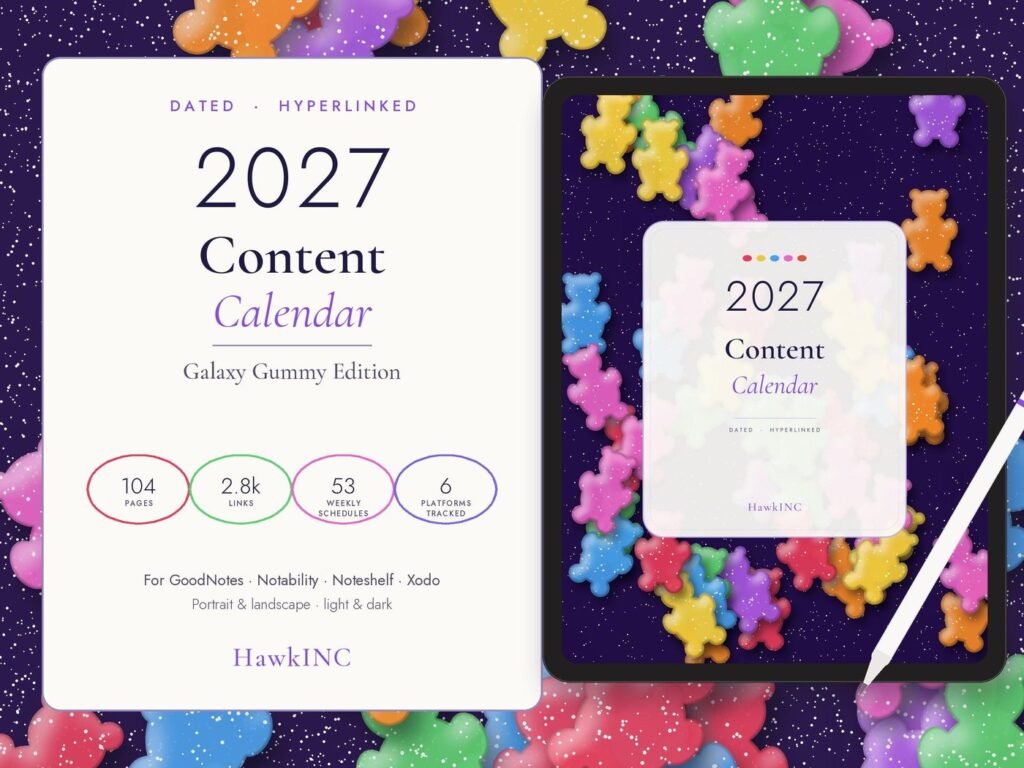
Quick answer: 2027 Content Calendar is a Canva template kit made for small business owners, creators and agents who want professional marketing templates they can edit in Canva. Plan every post of 2027 with this dated content calendar and social media planner, a hyperlinked digital content planner for GoodNotes, Notability and iPad, in a fun galaxy gummy design.
Who it is for
This Canva template kit is for small business owners, creators and agents who want professional marketing templates they can edit in Canva.
How to use it, step by step
- Download the PDF from Etsy and open the Canva template links.
- Make a copy, then add your brand colors, logo, photos and contact details.
- Swap the sample text for your own offers and calls to action.
- Download in the right size for each platform or print.
- Save your branded copy as a master to reuse every month.
Tips for the best results
- Keep 2 or 3 brand colors and fonts for a consistent look.
- Batch-create a month of posts in one sitting.
- Use your own photos where possible; they build trust.
Frequently asked questions
Which apps does this digital planner work with?
Any PDF annotation app with hyperlink support: GoodNotes, Notability, Noteshelf, Xodo, Samsung Notes, Flexcil and more. It also works on Android tablets and computers.
Is it dated?
Yes. Every page is dated for January to December 2027, in both Monday-start and Sunday-start versions.
Does it work on iPad and with Apple Pencil?
Yes, it was designed for iPad and stylus writing. Typing with text boxes works too.
Can I print it?
It is made as a digital planner, but you can print any page at home. Hyperlinks only work digitally.
Can I edit the text or layout?
The pages are not editable templates; you write, type and add stickers on top of them in your note app.
Which version should I use?
Pick portrait or landscape to suit how you hold your tablet, light or dark to suit your eyes, and Monday or Sunday start. You can use all 8.
How do I use the stickers?
Import the PNGs into your app’s sticker or photo library, or open the sticker book PDF and copy/paste them.
I can’t open the ZIP file. What do I do?
Download on a desktop or laptop, or use the iPad Files app. Message me and I will help right away.
Can I use it for commercial use?
No. This planner is for personal use only. ━━━ PLEASE NOTE ━━━ • Digital download only. No physical item will be shipped. • Tablet, stylus and note-taking apps are not included. • Colours may look slightly different depending on your screen. ━━━ TERMS OF USE ━━━ For personal use only. Do not resell, share, redistribute or claim the files as your own. © HawkInc
Get it
2027 Content Calendar is an instant digital download, priced at about $14.99 on Etsy. Nothing is shipped; you download the files right after checkout.