
Real estate social media templates are the quickest way to post every listing, open house and closing without opening a blank design each time. This guide covers the 10 posts every agent needs, a ready-to-use caption for each, the right Instagram and Facebook sizes, a weekly posting plan and how to edit a template in Canva in minutes.
Updated September 2026 · By the HawkInc team
On This Page
Quick answer
The best real estate social media templates cover 10 repeatable posts – New Listing, Open House, Just Sold, Price Reduced, Under Contract, Market Update, Client Testimonial, Meet the Agent, Home Tip and Quote – in Instagram Post (1080 x 1080 or 1080 x 1350 px), Story (1080 x 1920 px) and Facebook (1200 x 630 px) sizes. Use one colour palette and font pair across all of them, edit in Canva, and post 3 to 5 times a week.
By Dr. Mueed Akhtar, PhD (Chemical Engineering), founder of HawkInc · Last updated 13 October 2026
Key takeaways
- Rotate ten post types: New Listing, Open House, Just Sold, Price Reduced, Under Contract, Market Update, Client Testimonial, Meet the Agent, Home Tip and Inspirational Quote.
- Aim for 3 to 5 feed posts a week plus Stories most days, with an extra post when a listing changes status.
- Use 1080 x 1080 px for square posts, 1080 x 1350 px (4:5) for portrait posts and 1080 x 1920 px for Stories.
- Free Canva is enough; Canva Pro adds one-click resizing and a brand kit but is not required.
- Template sets usually cost between $5 and $50.
What are real estate social media templates?
They are pre-designed, editable layouts for the posts agents share on Instagram, Facebook and Stories. Each template has photo frames and placeholder text for the address, price and your contact details. You replace those, download the image and post. Because every post uses the same fonts and colours, your feed looks like one brand instead of a mix of styles.
Why realtors use social media templates
Social media is now a core part of the job. The National Association of REALTORS® 2025 Technology Survey reports that 75% of Realtors use social media as a business tool. The challenge is not whether to post, but finding the time to post well. Templates solve three problems:
- Speed – a post takes 5 to 10 minutes instead of an hour.
- Consistency – every listing looks like it came from the same professional brand.
- Fewer mistakes – fixed spots for your name, phone and brokerage mean nothing important gets left off.
The 10 real estate social media templates every agent needs (with captions)
Build or buy one template for each of these post types. Below each one you will find when to post it, what to include and a caption you can copy and edit.
1. New Listing (Just Listed)
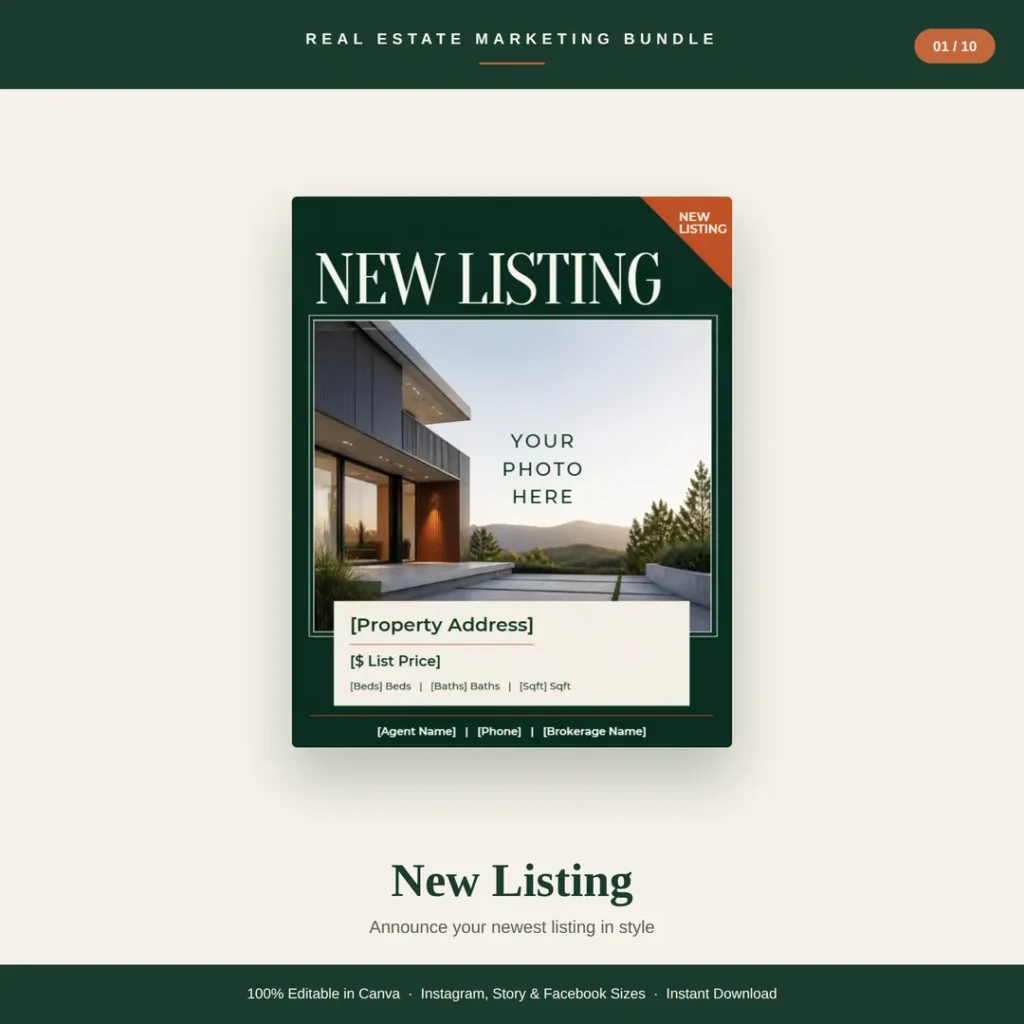
When and what: Post it the day the listing goes live, then again as a Story with a link. Include the address, list price, beds, baths, square footage and one standout feature.
Caption: Just listed in [Neighborhood]! 🏡 [Beds] beds, [Baths] baths and [one standout feature] at [Address]. Listed at [$Price]. DM me or tap the link to book a private showing.
2. Open House
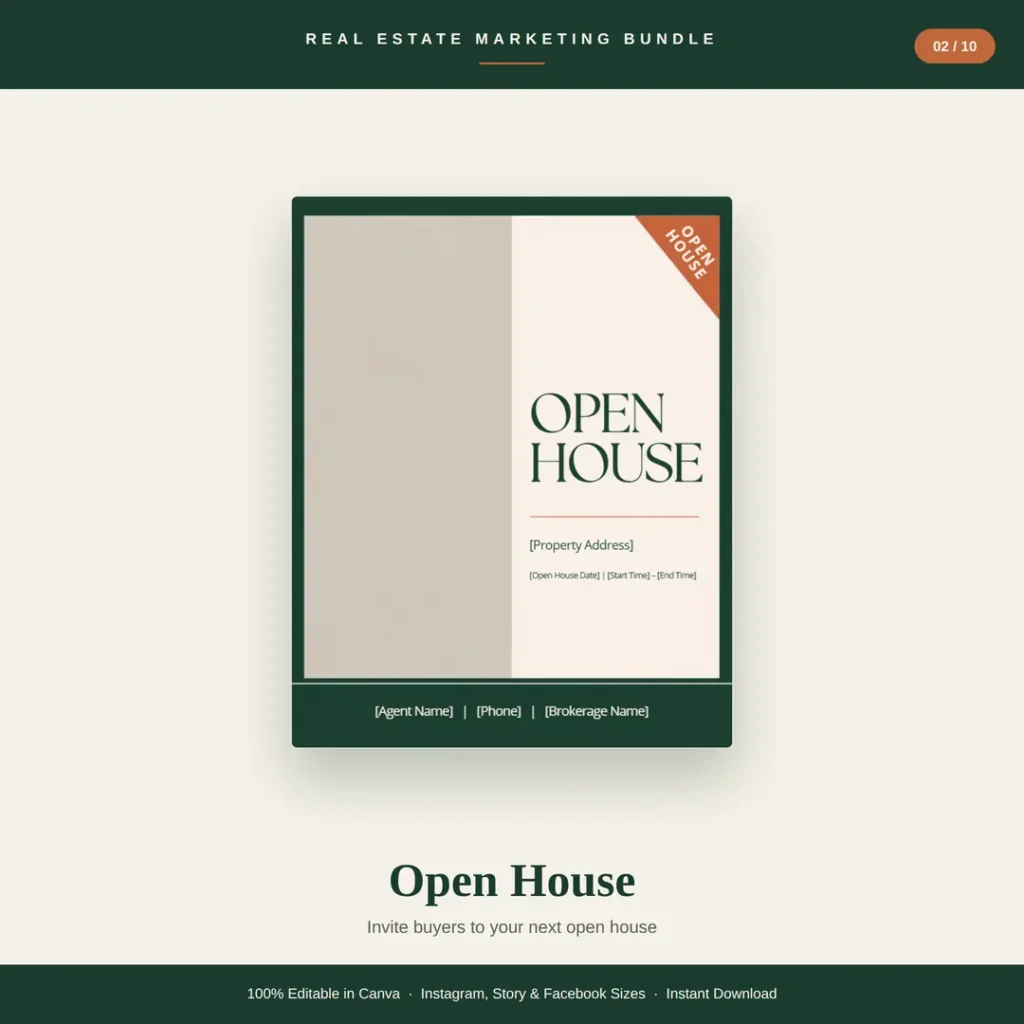
When and what: Post 3 to 5 days before, then a Story reminder the morning of the event. Include the date, start and end time and the address.
Caption: You’re invited! Open house this [Day], [Start]–[End] at [Address]. Come see [feature] in person. Bring a friend, and questions are always welcome.
3. Just Sold
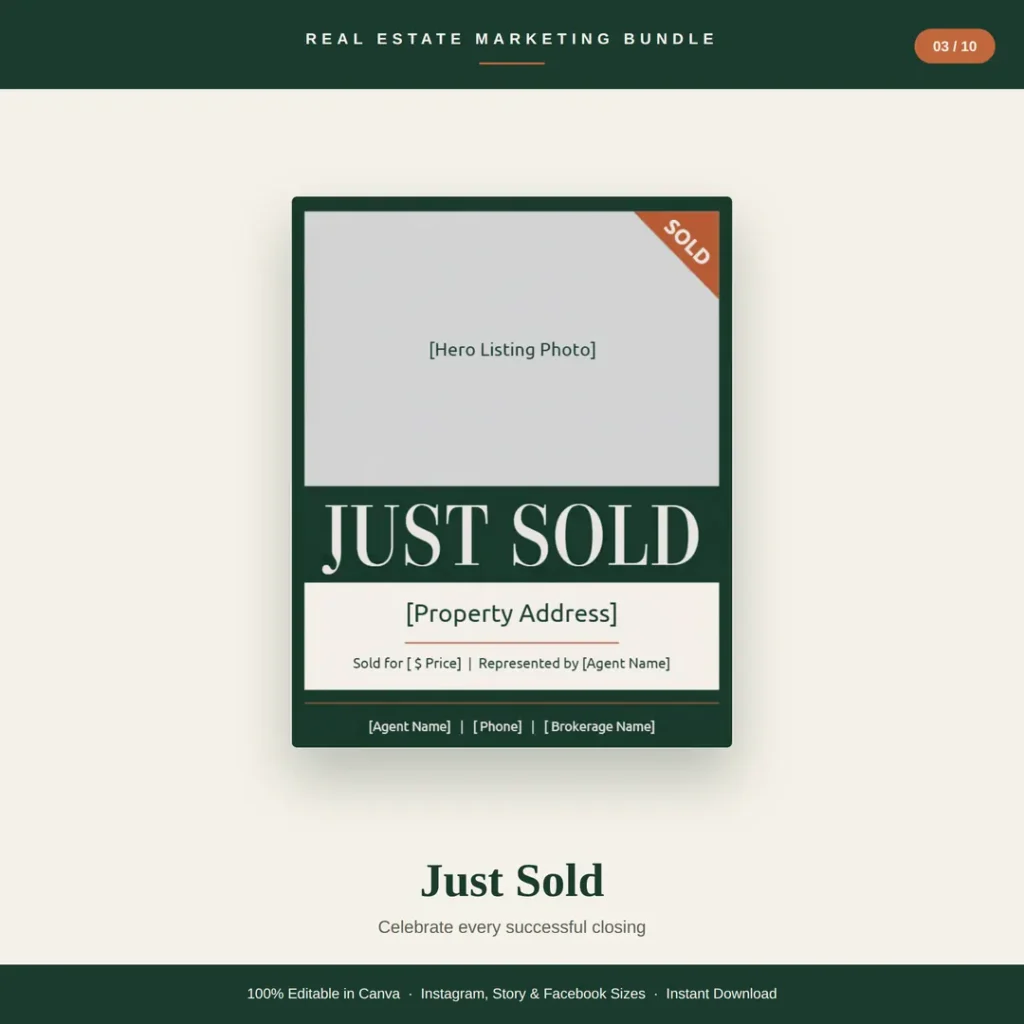
When and what: Post within 48 hours of closing. It is proof you get results, so add the sold price if your market and client allow it.
Caption: SOLD! 🎉 Congratulations to my sellers at [Address]. [Number] days on market and [over asking / multiple offers]. Thinking about selling? Let’s talk about what your home could get.
4. Price Reduced
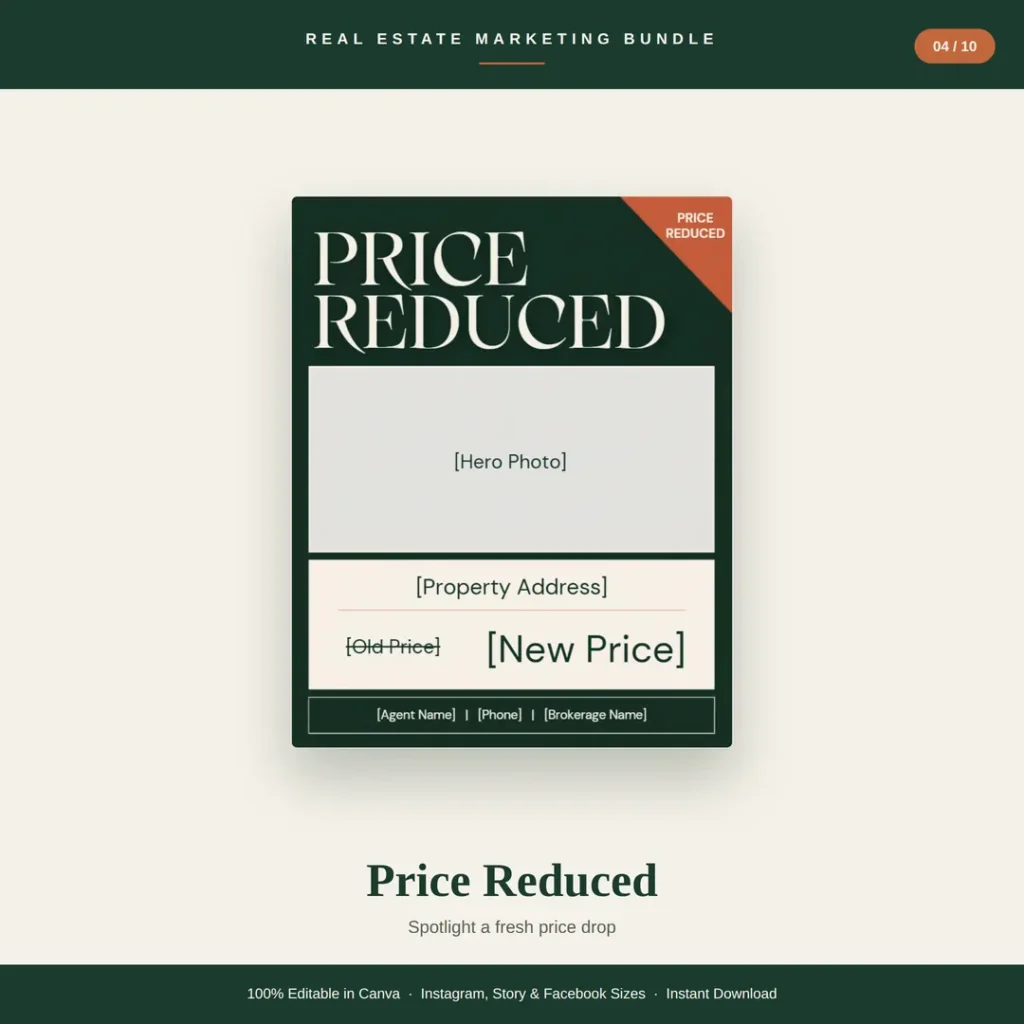
When and what: Post as soon as the new price is live. Show the old price struck through next to the new one so the change is instant to read.
Caption: New price at [Address]! Now [$New Price] (was [$Old Price]). [Beds] beds, [Baths] baths and [feature]. This one won’t last – message me for a showing.
5. Under Contract
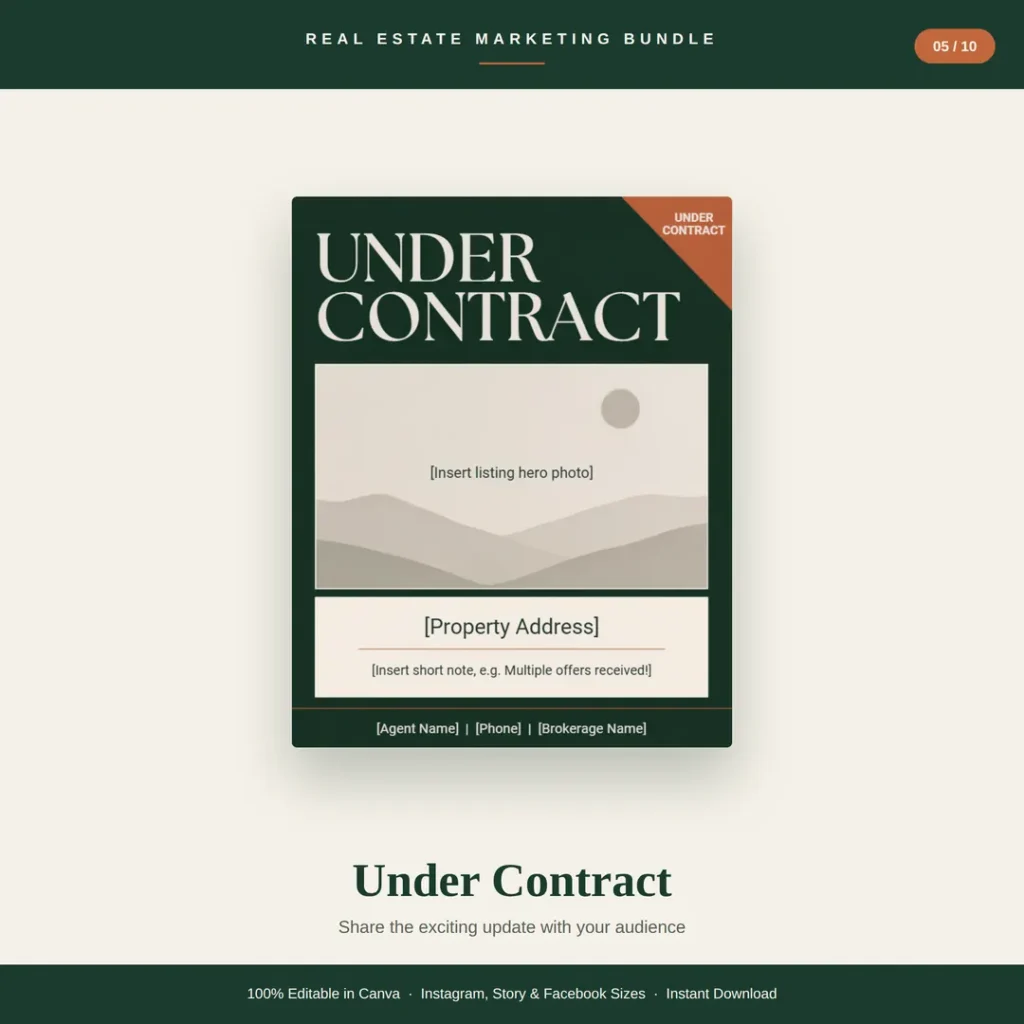
When and what: Post the day the offer is accepted. It shows momentum and tells other buyers you move homes.
Caption: Under contract! 🔑 [Address] is spoken for after [number] days. Still looking? I have [similar homes / off-market options] – send me a message.
6. Market Update
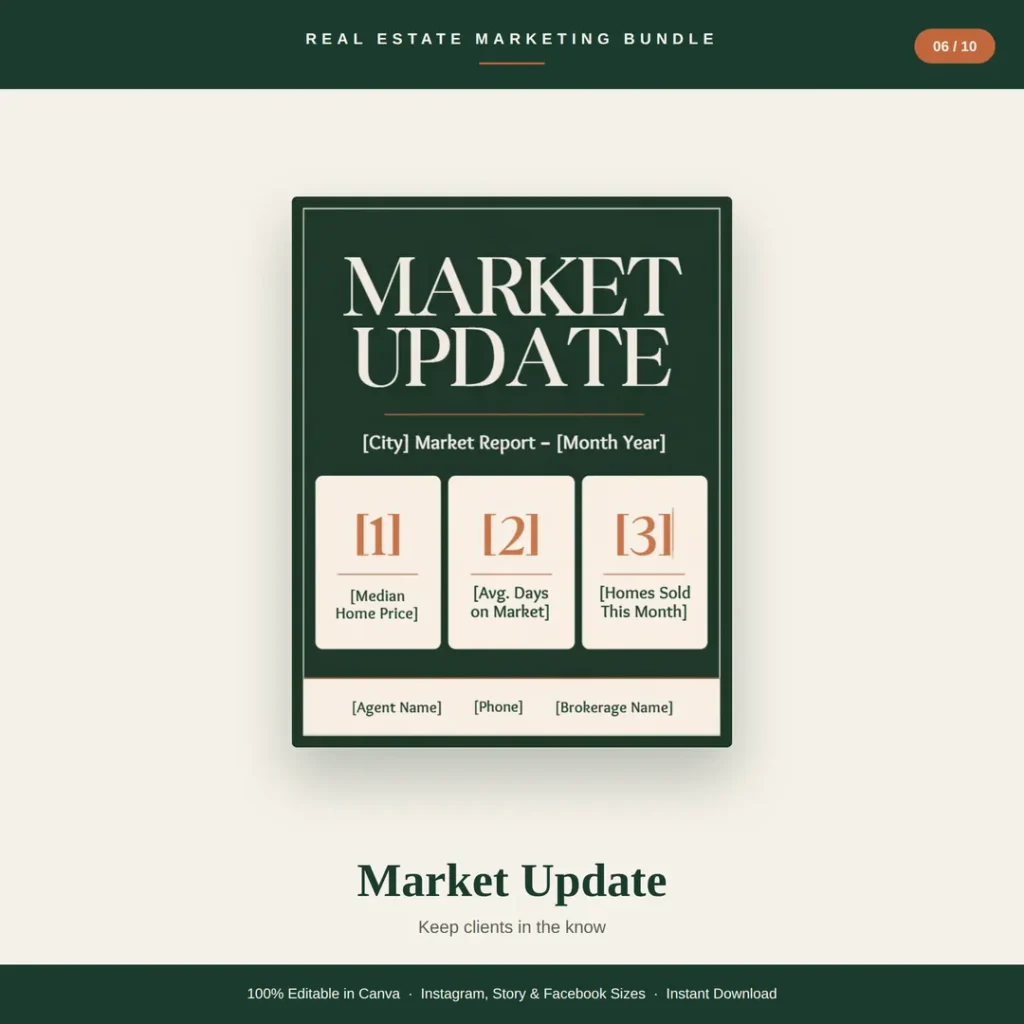
When and what: Post once a month with three simple numbers for your city: median price, average days on market and homes sold.
Caption: [City] market update for [Month]: median price [$], average [#] days on market, [#] homes sold. What does this mean for you? Comment “REPORT” and I’ll send the full breakdown.
7. Client Testimonial

When and what: Post once a week or after each closing. Always get the client’s permission before sharing their words or photo.
Caption: “[Short client quote].” – [Client Name]. Helping families like the [Name]s is why I love this job. Ready for your move? Let’s chat.
8. Meet the Agent
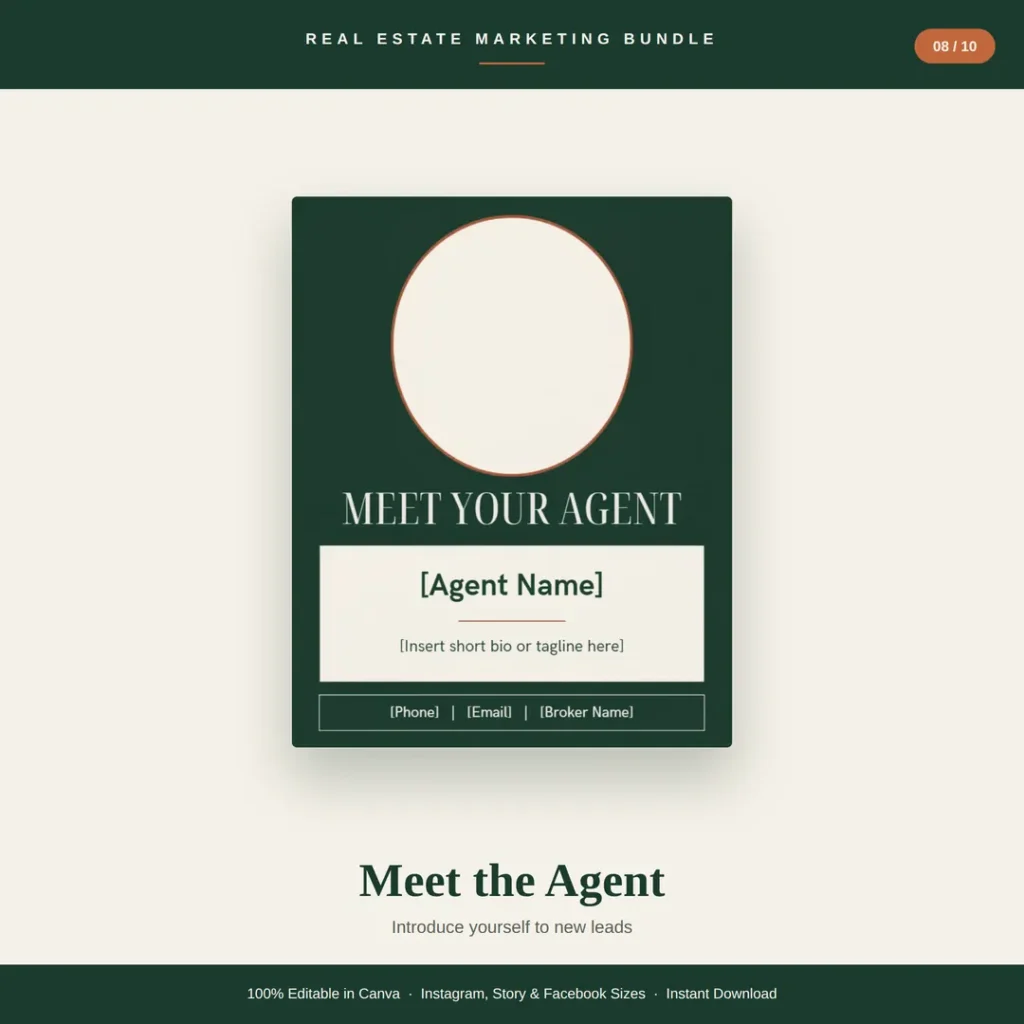
When and what: Pin it to the top of your profile and repost every few months so new followers know who you are.
Caption: Hi, I’m [Name]! I help buyers and sellers in [Area] with [your specialty]. When I’m not showing homes, you’ll find me [personal detail]. Say hi below 👋
9. Home Tip (Did You Know?)
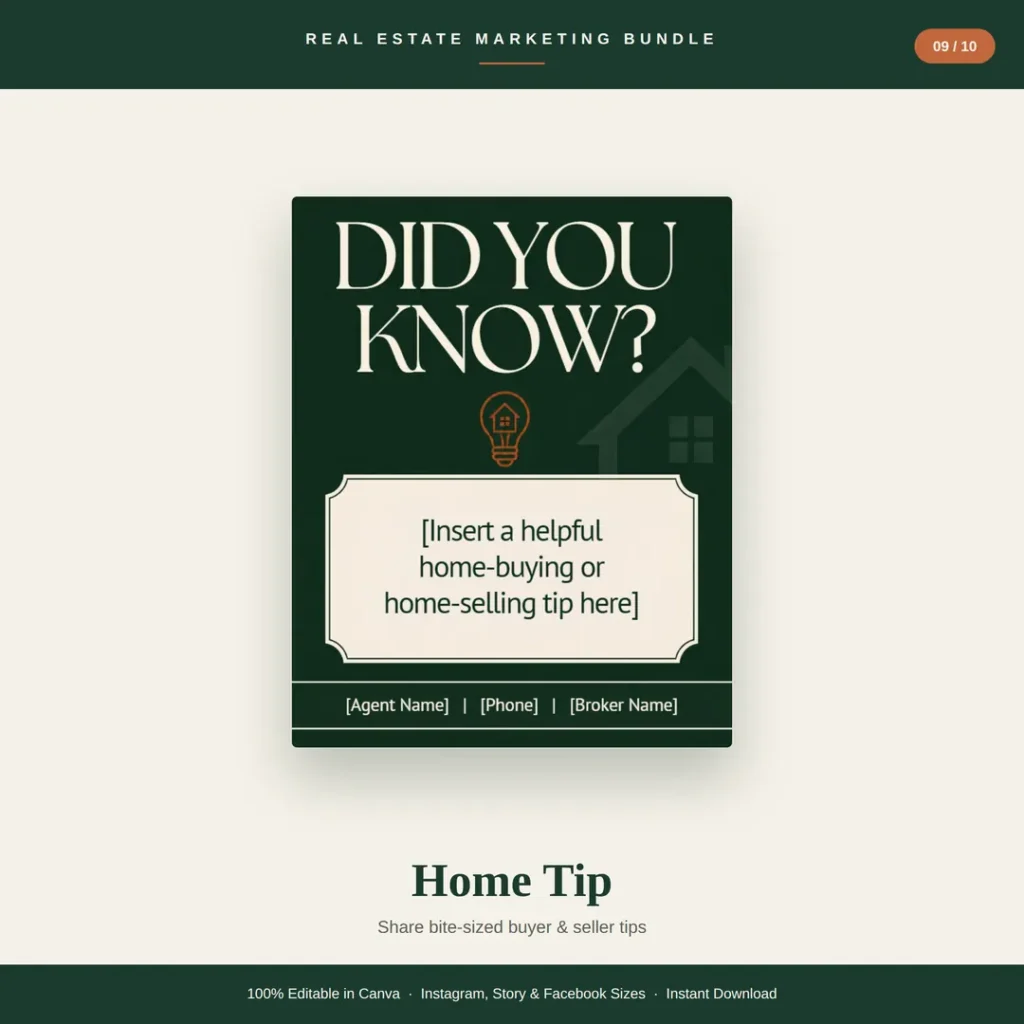
When and what: Post weekly. Short, useful tips get saved and shared, which helps your reach.
Caption: Did you know? [One-sentence buyer or seller tip]. Save this for later and share it with someone who’s planning a move this year.
10. Inspirational Quote
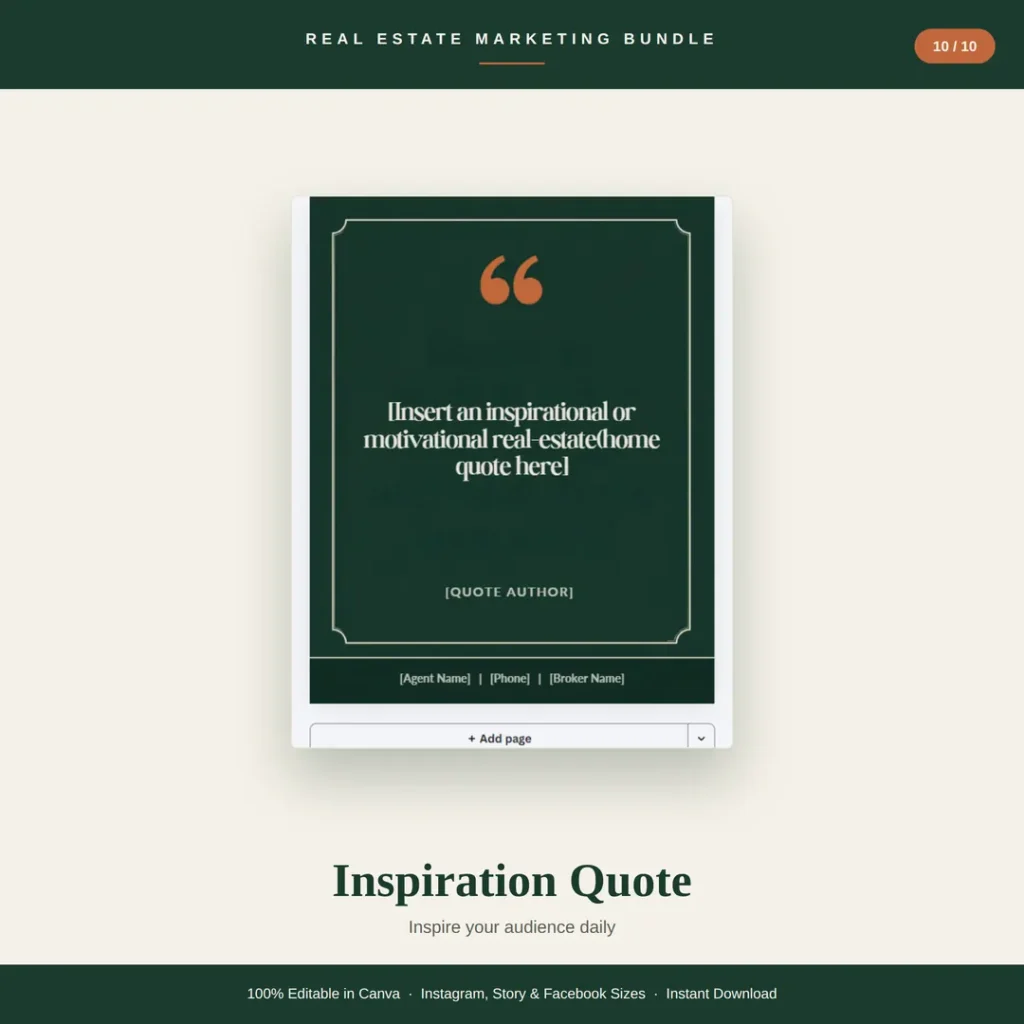
When and what: Use it on quiet weeks to keep your feed active. Pick home, family or motivation quotes with a named author.
Caption: “[Quote]” – [Author]. Here’s to finding the place that feels like home. What does home mean to you?
Real estate social media post sizes
| Placement | Size (px) | Ratio | Tip |
|---|---|---|---|
| Instagram post (square) | 1080 x 1080 | 1:1 | Safe for every platform and easy to reuse |
| Instagram post (portrait) | 1080 x 1350 | 4:5 | Takes up more of the feed; keep text inside the centre |
| Instagram Story / Reel cover | 1080 x 1920 | 9:16 | Leave the top and bottom 250 px clear of text |
| Facebook post (landscape) | 1200 x 630 | 1.91:1 | Also works as a link preview image |
| Facebook post (square) | 1080 x 1080 | 1:1 | Reuse your Instagram square post |
To turn a square template into a portrait post, use Canva Pro’s Resize tool, or on a free account create a new 1080 x 1350 design and copy the elements across.
A simple weekly real estate posting plan
| Day | Post | Template |
|---|---|---|
| Monday | Market update or home tip | Market Update / Home Tip |
| Tuesday | Listing post | New Listing or Price Reduced |
| Wednesday | Social proof | Client Testimonial |
| Thursday | Open house promotion | Open House |
| Friday | Results | Just Sold or Under Contract |
| Weekend | Personal brand | Meet the Agent or Quote |
Add a Story every day, even if it is just a repost of your feed post, and post extra whenever a listing changes status.
How to edit a realtor Canva template in 5 steps
- Open the template link and click Use template to create your own copy in Canva.
- Drag your listing photo onto the photo frame.
- Replace every bracketed placeholder, such as [Property Address] and [List Price].
- Check that your name, phone number and brokerage name are on the design.
- Download as PNG, or schedule and post straight from Canva.
How to make templates look like your brand
- Pick one palette and stick to it. Many agent feeds use beige and gold, so a deeper colour such as forest green with terracotta helps you stand out.
- Use two fonts at most – a serif for headlines and a clean sans-serif for details.
- Keep your contact bar in the same place on every post so people learn where to look.
- Use your own photos – bright, straight, landscape exterior shots work best in photo frames.
Common mistakes to avoid
- Leaving off your brokerage name. Many states and brokerages require it on advertising, so check your local rules.
- Posting a price or sold figure without your client’s permission.
- Using listing photos you do not have the rights to share.
- Wording that could breach fair housing rules – describe the property, not the kind of buyer you want.
- Mixing lots of different template styles, which makes your feed look disjointed.
Get 30 ready-made real estate social media templates
Want all 10 posts done for you? The HawkInc realtor Instagram templates include every design above in Instagram Post, Story and Facebook sizes – 30 editable Canva templates in a forest green, cream and terracotta style. They work on a free Canva account and download instantly.
Need flyers, postcards and Pinterest pins as well? See the 150-template real estate bundle, or read our wider guide to real estate marketing templates.
Frequently asked questions
What are real estate social media templates?
Real estate social media templates are ready-made, editable designs for the posts agents publish on Instagram and Facebook, such as New Listing, Open House and Just Sold. You swap in your photo, address, price and contact details instead of designing each post from scratch, usually in Canva.
What should a realtor post on social media?
Rotate ten post types: New Listing, Open House, Just Sold, Price Reduced, Under Contract, Market Update, Client Testimonial, Meet the Agent, Home Tip and Inspirational Quote. Together they show your listings, your results and your personality.
How often should a real estate agent post on Instagram?
A realistic target is 3 to 5 feed posts a week plus Stories most days, and an extra post whenever a listing changes status. Consistency matters more than volume, which is why templates help.
What size is a real estate Instagram post?
A square Instagram post is 1080 x 1080 px and a portrait post is 1080 x 1350 px (4:5), which fills more of the feed. Instagram Stories are 1080 x 1920 px and a landscape Facebook post is 1200 x 630 px.
Are Canva templates good for real estate agents?
Yes. Canva is free, runs in a browser or phone app and lets you reuse one design for every listing, so posts look consistent and take minutes instead of hours.
Do I need Canva Pro to use realtor templates?
No. Good realtor templates are built to work on a free Canva account. Canva Pro adds extras such as one-click resizing and a brand kit, but it is not required.
What should be on a Just Sold post?
Show the property photo, the words Just Sold, the address or neighbourhood, and your name, phone number and brokerage. Add the sold price or days on market only if your client and local rules allow it.
How much do real estate social media templates cost?
Template sets usually cost between $5 and $50. The HawkInc set of 30 realtor Instagram templates is $7.99 on Etsy and is often on sale.