
Quick answer: An undated digital planner is a hyperlinked PDF planner with no printed dates, so you can start on any day and reuse it. To use one, download the PDF, import it into GoodNotes, Notability or Noteshelf on your iPad, tap the tabs to move between months and days, and write with your Apple Pencil. Set aside 10 minutes on Sunday for weekly planning and 5 minutes each morning for your daily page.
By Dr. Mueed Akhtar, PhD (Chemical Engineering), founder of HawkInc
Last updated: October 16, 2026
Key takeaways
- An undated planner never goes out of date: start in October, skip a busy month, or begin again next year without wasting pages.
- Hyperlinks are what make a digital planner faster than paper: one tap takes you to any month, week or day.
- GoodNotes, Notability and Noteshelf all support hyperlinked planners on iPad.
- A simple routine (weekly review on Sunday, a 5-minute daily page each morning) is what makes any planner work.
- Habit trackers and a year-in-pixels mood map turn your planner into a wellness journal as well.
What is an undated digital planner?
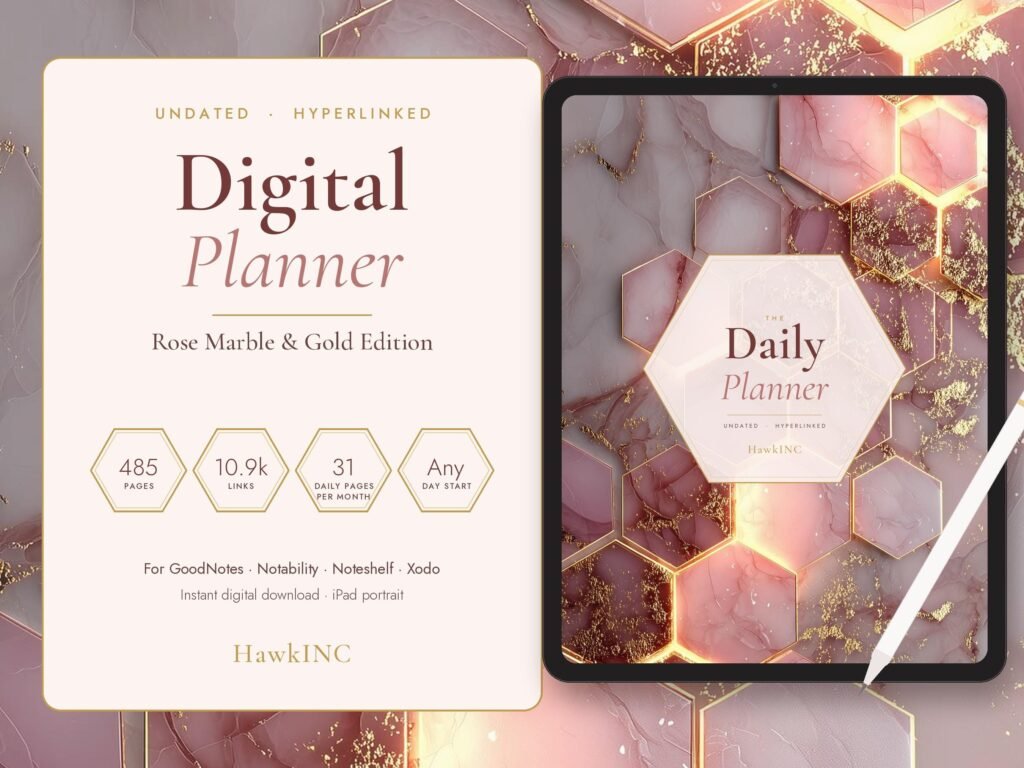
A digital planner is a PDF designed to be written on with a stylus in a note-taking app. Tabs, menus and buttons are hyperlinked, so tapping “March” or “Day 14” jumps straight to that page. An undated planner leaves the dates blank: you write the date or circle the weekday yourself. That makes it ideal if you are starting mid-year, plan by academic semester, or tend to abandon planners and want to restart without guilt.
Dated vs undated digital planner: which is better?
| Dated planner | Undated planner | |
|---|---|---|
| Start date | January (or July for academic) | Any day |
| Reusable next year | No | Yes |
| Skipped weeks | Leave blank pages | No waste |
| Setup | None | Write the date as you go |
| Best for | People who plan every day all year | Fresh starts, students, irregular planners |
How do you use a digital planner on iPad?
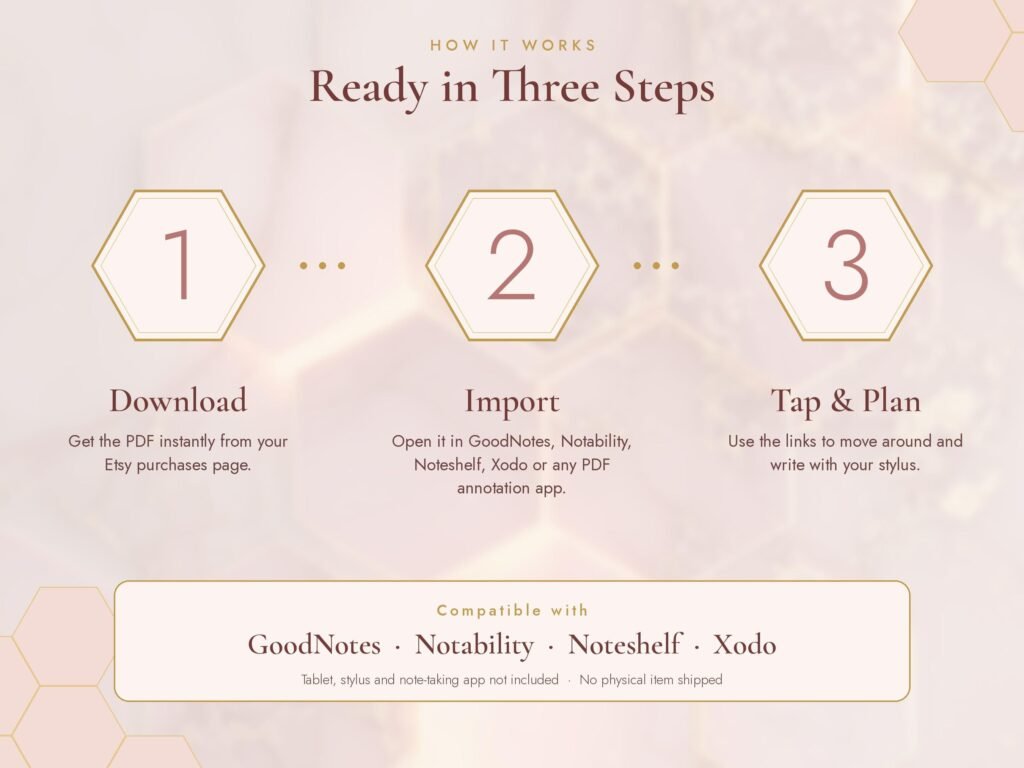
- Download and unzip. Save the zip from Etsy to the Files app and tap it to unzip.
- Import into your app. In GoodNotes, tap + and Import, then choose the PDF. In Notability, tap Import. Open it as a new notebook, not as pages inside another one.
- Choose your version. Portrait or landscape, light or dark mode, Monday or Sunday start.
- Learn the navigation. Use the month tabs, the top menu, back and forward arrows and the home dashboard. Tap the numbered hexagons on a monthly page to open that day.
- Switch modes. Use read-only or hand mode to tap links and write mode to write. In GoodNotes, links do not work while the pen tool is selected.
- Add stickers. Import the sticker PNGs into your app’s sticker or elements library and drag them onto pages.
How should you plan your day in a digital planner?
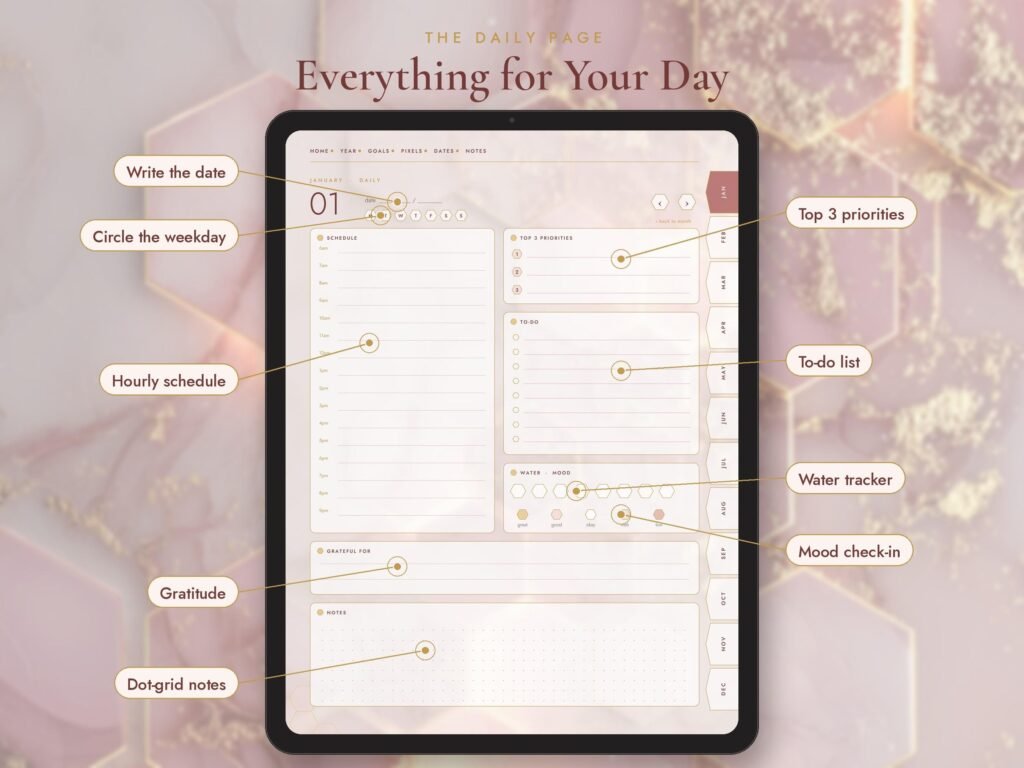
A good daily page is short enough to fill in 5 minutes. On the rose gold planner’s daily layout, work top to bottom:
- Top 3 priorities: the three things that would make today a success.
- Hourly schedule: time-block your priorities first, then meetings and errands.
- To-do list: everything else, crossed off as you go.
- Water and mood tracker: two quick taps that build a picture over the month.
- Gratitude and notes: one line at the end of the day.
A simple weekly planning routine
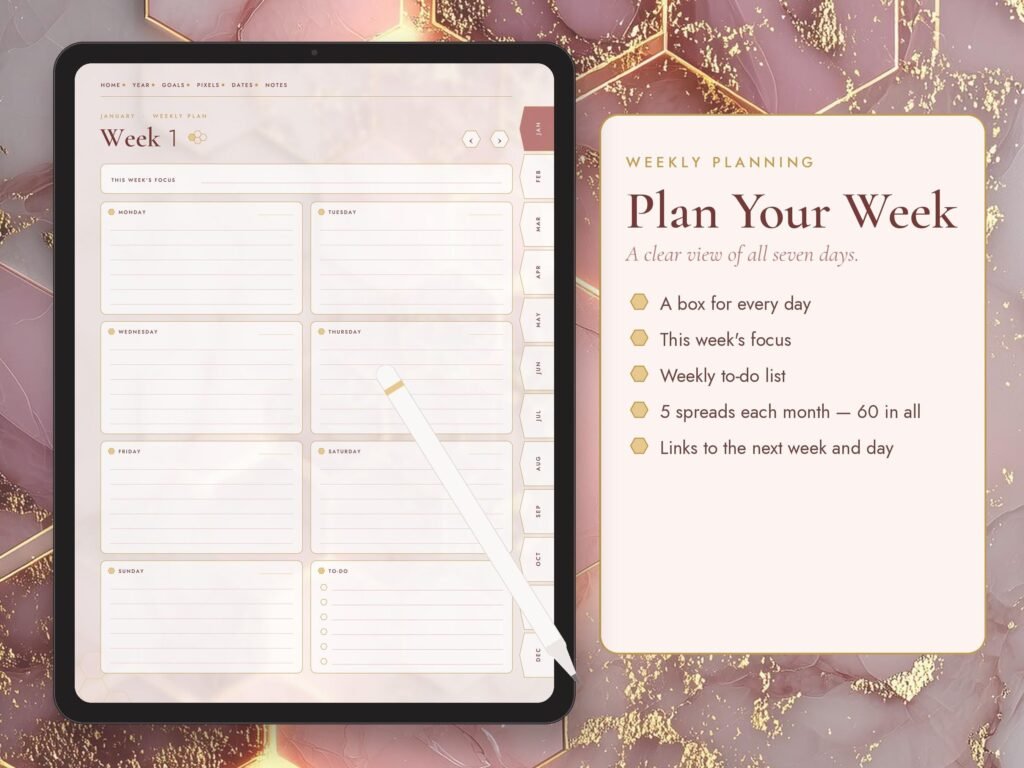
- On Sunday, open the weekly spread and write the dates.
- Copy anything unfinished from last week.
- Add fixed appointments, then choose 3 goals for the week.
- Look at the monthly habit tracker and pick one habit to focus on.
- Each morning, open the daily page from the weekly spread and fill in your top 3.
If you prefer to track habits with automatic streaks, see our guide to building a habit tracker in Google Sheets, or our Notion-style daily planner.
How do you track habits and mood in a digital planner?
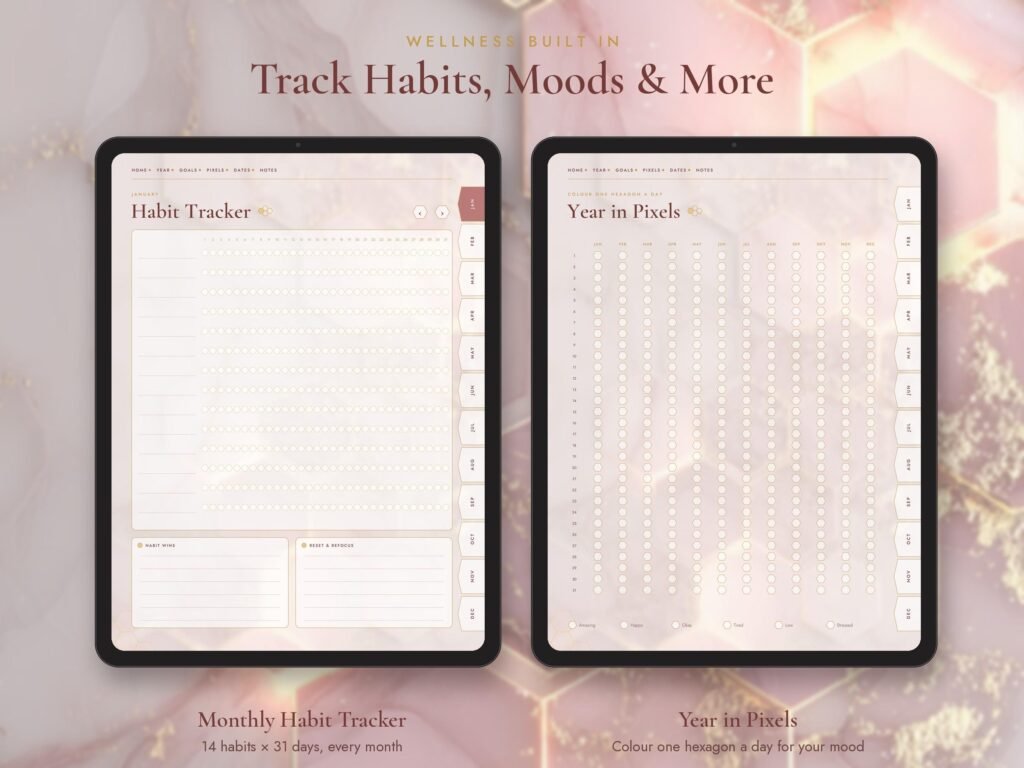
Use the monthly habit tracker for 3 to 5 habits at most, and colour one square each day you complete a habit. The year-in-pixels page gives each day a colour for your mood; after a few months, patterns appear, such as low days after poor sleep. At the end of each month, use the monthly review page to note what worked and what to change.
Which apps work with digital planners?
| App | Platform | Hyperlinks |
|---|---|---|
| GoodNotes | iPad, also Android and Windows | Yes |
| Notability | iPad | Yes |
| Noteshelf | iPad and Android | Yes |
| Xodo | iPad, Android, desktop | Yes |
| Samsung Notes | Android | Limited |
Get the rose gold undated digital planner
The HawkInc undated planner has about 485 hyperlinked pages, 372 daily pages, weekly and monthly spreads, habit and mood trackers, budget, meal plan, vision board and reading log templates, and 157 matching stickers. You get 8 versions: rose gold and dark mode, portrait and landscape, Monday and Sunday start. See everything inside the planner.
Frequently asked questions
What is the best undated digital planner for GoodNotes?
Look for full hyperlinking (month tabs, day buttons and a home page), daily and weekly pages, habit tracking, and both portrait and landscape versions. The rose gold planner covers all of these with about 485 pages.
Can I use an undated digital planner every year?
Yes. Because no dates are printed, you can start a fresh copy each year or keep using the same file.
Do digital planners work on Android?
Many do in apps such as Noteshelf, Xodo or GoodNotes for Android, but they are usually designed for iPad, so page size and link behaviour may vary.
Why are the links in my digital planner not working?
Most apps only follow links in read-only or hand mode. In GoodNotes, switch off the pen tool or use read-only mode, then tap the link.
Do I need an Apple Pencil for a digital planner?
A stylus makes handwriting easier, but you can also type with text boxes in most apps.
Is a digital planner better than a paper planner?
It is lighter, searchable, reusable and easy to back up, and hyperlinks make navigation fast. Paper suits people who prefer a break from screens.