
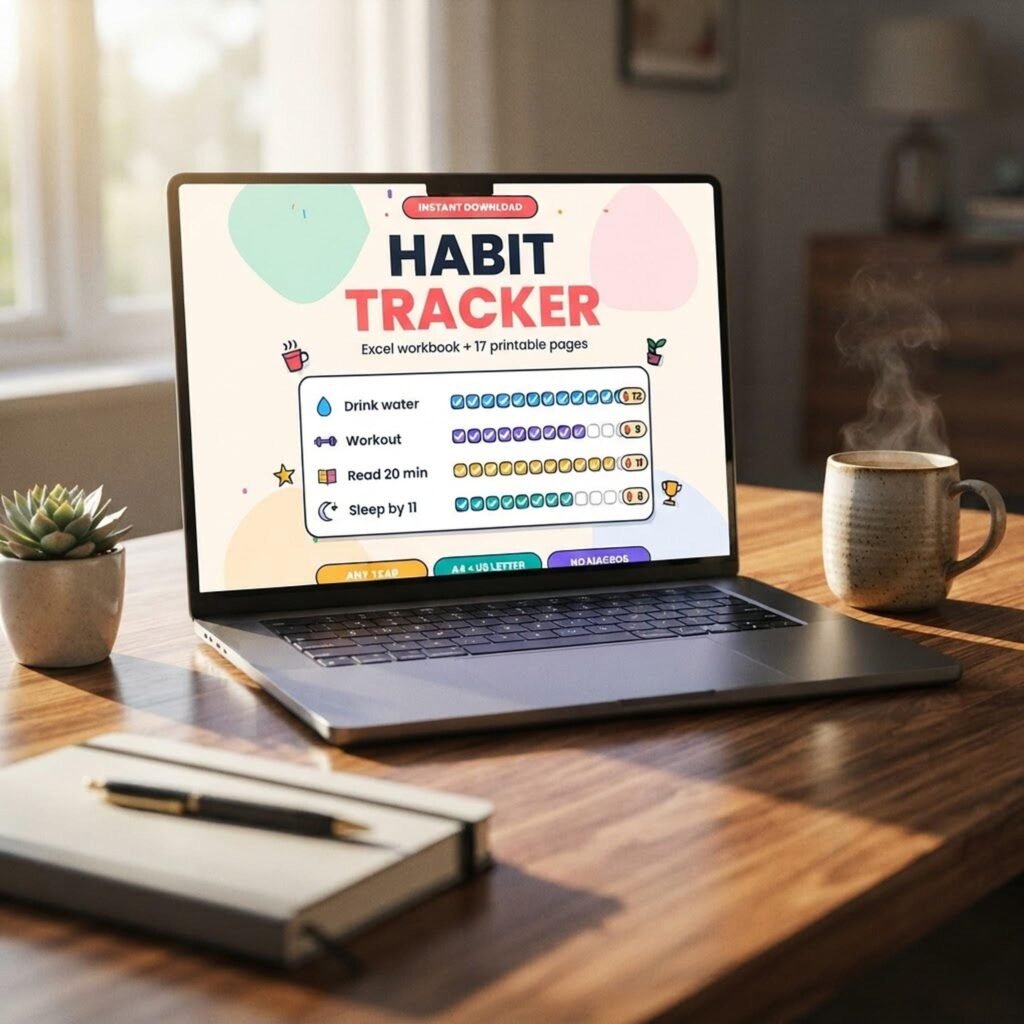
Quick answer: To build a habit tracker in Google Sheets with automatic streaks, list dates down column A and give each habit its own column of checkboxes or a Done/Missed/Skipped dropdown. Add a helper column with =IF(B2,N(C1)+1,0) to count the running streak, then use MAX for your longest streak, COUNTIF for completion rate and conditional formatting to colour finished days.
By Dr. Mueed Akhtar, PhD (Chemical Engineering), founder of HawkInc
Last updated: October 14, 2026
Key takeaways
- A working habit tracker needs only three parts: a date column, one status column per habit, and a streak helper column.
- One short formula,
=IF(B2,N(C1)+1,0), counts streaks automatically; MAX and COUNTIF turn it into a dashboard. - A Skipped option lets planned rest days pause a streak instead of resetting it, which matches how habits really form.
- Research suggests habits take weeks to months to become automatic, so plan to track for at least ten weeks.
Spreadsheets are a good home for habits because they show patterns that a single tick in an app hides. Below is the full build, with formulas to copy and a worked example. If you would rather not build it, the ready-made habit tracker spreadsheet does all of this out of the box. A habit tracker in Google Sheets is also free, works on your phone and keeps your data in your own account rather than behind a subscription.
What do you need before you build a habit tracker in Google Sheets?
You need a Google account, a blank Google Sheet and a short list of habits, ideally three to five. Decide whether each habit is a simple yes or no (use checkboxes) or whether you want rest days (use a Done, Missed, Skipped dropdown). Then sketch the column layout below before typing any formulas.
| Column | Header | What goes in it |
|---|---|---|
| A | Date | One row per day, starting with your first tracking day |
| B to F | Habit names (e.g. Read 10 pages) | A checkbox or dropdown for each day |
| G | All done? | =AND(B2:F2), TRUE when every habit is ticked |
| H to L | Streak helpers (e.g. Read streak) | The running streak for each habit in B to F |
| N onwards | Dashboard | Current streak, longest streak, completion rate, perfect days |
How do you make a habit tracker in Google Sheets?
To make a habit tracker in Google Sheets, build the grid first, then add checkboxes, then the formulas. The whole job takes about 15 minutes for five habits. Work through these steps in order, because each formula refers to cells set up in an earlier step, and filling formulas down only works once the date column is in place.
- Type
Datein A1 and your habit names in B1 to F1. - Enter your start date in A2. In A3 type
=A2+1and fill it down for as many days as you want, for example 92 rows for a quarter. - Select B2:F93 and choose Insert > Checkbox. Google explains the options in its checkbox help page.
- In G2 type
=AND(B2:F2)and fill it down. This marks a perfect day. - Type headers in H1 to L1 (Read streak, Walk streak and so on). In H2 type
=IF(B2,N(H1)+1,0), then fill right to L2 and down to row 93. - Freeze row 1 and column A with View > Freeze so the dates and names stay visible as you scroll.
How do you count streaks automatically in Google Sheets?
The streak counter is what makes a habit tracker in Google Sheets feel like an app. Use a helper column where each row adds one to the row above when the habit is ticked and drops to zero when it is not. The formula =IF(B2,N(H1)+1,0) does this; N turns the text header into 0, so the first row works too. Every other streak number on your dashboard is read from that column.
| Dashboard figure | Formula (for the habit in column B) | What it tells you |
|---|---|---|
| Current streak | =MAX(IFERROR(VLOOKUP(TODAY(),A2:H,8,FALSE),0),IFERROR(VLOOKUP(TODAY()-1,A2:H,8,FALSE),0)) | Your live streak, still shown before you tick today |
| Longest streak | =MAX(H2:H) | Your best run so far |
| Completion rate | =COUNTIF(B2:B,TRUE)/COUNTIFS(A2:A,"<="&TODAY()) | Share of days done to date (format as %) |
| Perfect days | =COUNTIF(G2:G,TRUE) | Days when every habit was done |
To make progress visible, select B2:F93, open Format > Conditional formatting, choose Custom formula is, enter =B2=TRUE and pick a green fill. Google covers the rule types in its conditional formatting guide.
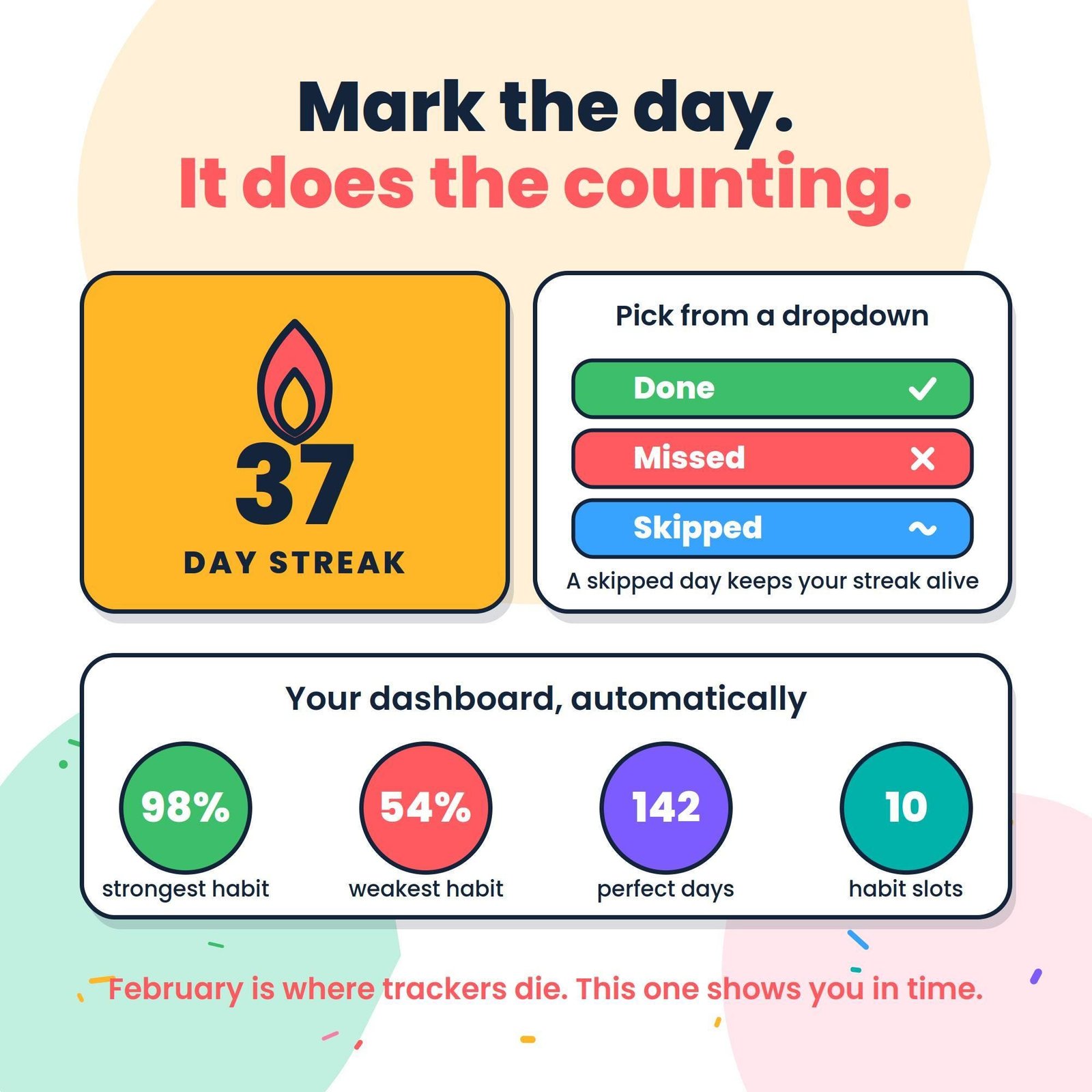
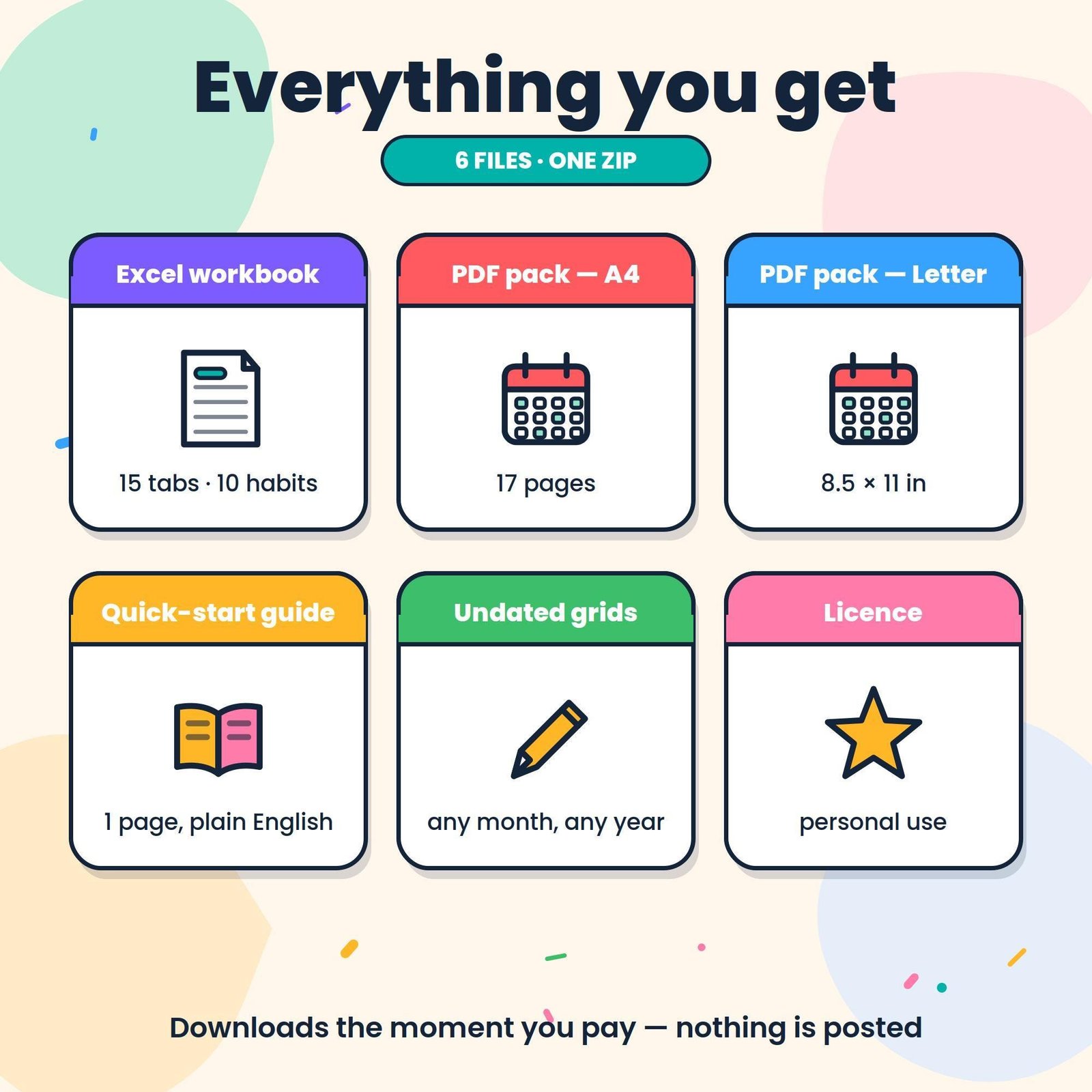
Prefer it ready-made? The HawkInc Habit Tracker Spreadsheet has the streak formulas, Done/Missed/Skipped dropdowns and a dashboard already built for 10 habits, plus printable A4 and US Letter PDFs. USD 1.79 on Etsy (sale price; regular USD 2.99).
How do you handle rest days without breaking a streak?
Replace the checkboxes with a dropdown of Done, Missed and Skipped, and let Skipped carry the previous streak forward. A planned rest day or a sick day then pauses the count instead of wiping it out. This matters because an all-or-nothing streak often makes people abandon a tracker after one bad day.
- Select B2:F93 and choose Insert > Dropdown. Add three options: Done, Missed, Skipped.
- In H2 replace the streak formula with
=IF(B2="Done",N(H1)+1,IF(B2="Skipped",N(H1),0))and fill it across and down. - Change the completion rate to
=COUNTIF(B2:B,"Done")/(COUNTIF(B2:B,"Done")+COUNTIF(B2:B,"Missed"))so skipped days do not count against you. - Update the perfect-day test in G2 to
=COUNTIF(B2:F2,"Done")=5. - Add colour rules: green for Done, red for Missed, blue for Skipped.
Research backs a forgiving design. A review of habit research in the British Journal of General Practice reports that missing the occasional opportunity did not seriously impair habit formation. Use Skipped for planned breaks, and be honest with Missed.
Worked example: eight days of a reading habit
Here is how the dropdown version behaves over eight real-looking days. The habit is reading 10 pages, the person rests on Saturday and misses Monday. Watch how the streak column pauses on the skipped day and resets on the missed one, while the completion rate ignores the planned rest day.
| Date | Status | Streak (column H) | Why |
|---|---|---|---|
| Wed 1 Oct | Done | 1 | First done day |
| Thu 2 Oct | Done | 2 | Adds one |
| Fri 3 Oct | Done | 3 | Adds one |
| Sat 4 Oct | Skipped | 3 | Planned rest day, streak paused |
| Sun 5 Oct | Done | 4 | Carries on from 3 |
| Mon 6 Oct | Missed | 0 | Resets |
| Tue 7 Oct | Done | 1 | Starts again |
| Wed 8 Oct | Done | 2 | Adds one |
Results on the dashboard: longest streak 4, current streak 2, completion rate 6 Done out of 7 Done-or-Missed days, which is 86%. With plain checkboxes the Saturday rest would have reset the run, and the longest streak would read 3.
How long should you track a habit?
Plan on at least ten weeks. The study most often quoted on this, run at University College London, found that automaticity levelled off after an average of 66 days, with wide variation between people and habits. A simple habit like drinking water at breakfast may settle sooner; a gym routine may take far longer.
| Week | What to check on the dashboard | Action |
|---|---|---|
| 1 to 2 | Completion rate per habit | Drop or shrink any habit under 50% |
| 3 to 6 | Weakest habit and missed days | Move it to a better time or link it to an existing routine |
| 7 to 10 | Longest streak and perfect days | Keep going; consider adding one new habit |
| After 10 | Habits that feel automatic | Move them off the tracker to keep it short |
If you want to estimate how much time a habit adds up to over a year, the free How long would it take? calculator is a quick way to see it.
Google Sheets, Excel or a printable tracker: which should you use?
Use Google Sheets if you want to tick habits on your phone and laptop with no cost. Use Excel if you already work in it offline. Use a printable grid if screens pull you into distractions. The formulas in this guide work in both spreadsheet apps, so you can switch later without rebuilding anything.
| Option | Best for | Watch out for |
|---|---|---|
| Google Sheets | Free, syncs across phone and computer | Needs a Google account; mobile editing is fiddly with many columns |
| Excel | Offline use, existing Microsoft 365 users | Checkbox support depends on version; dropdowns are safer |
| Printable PDF | Paper lovers, screen-free mornings | No automatic streaks; count by hand weekly |
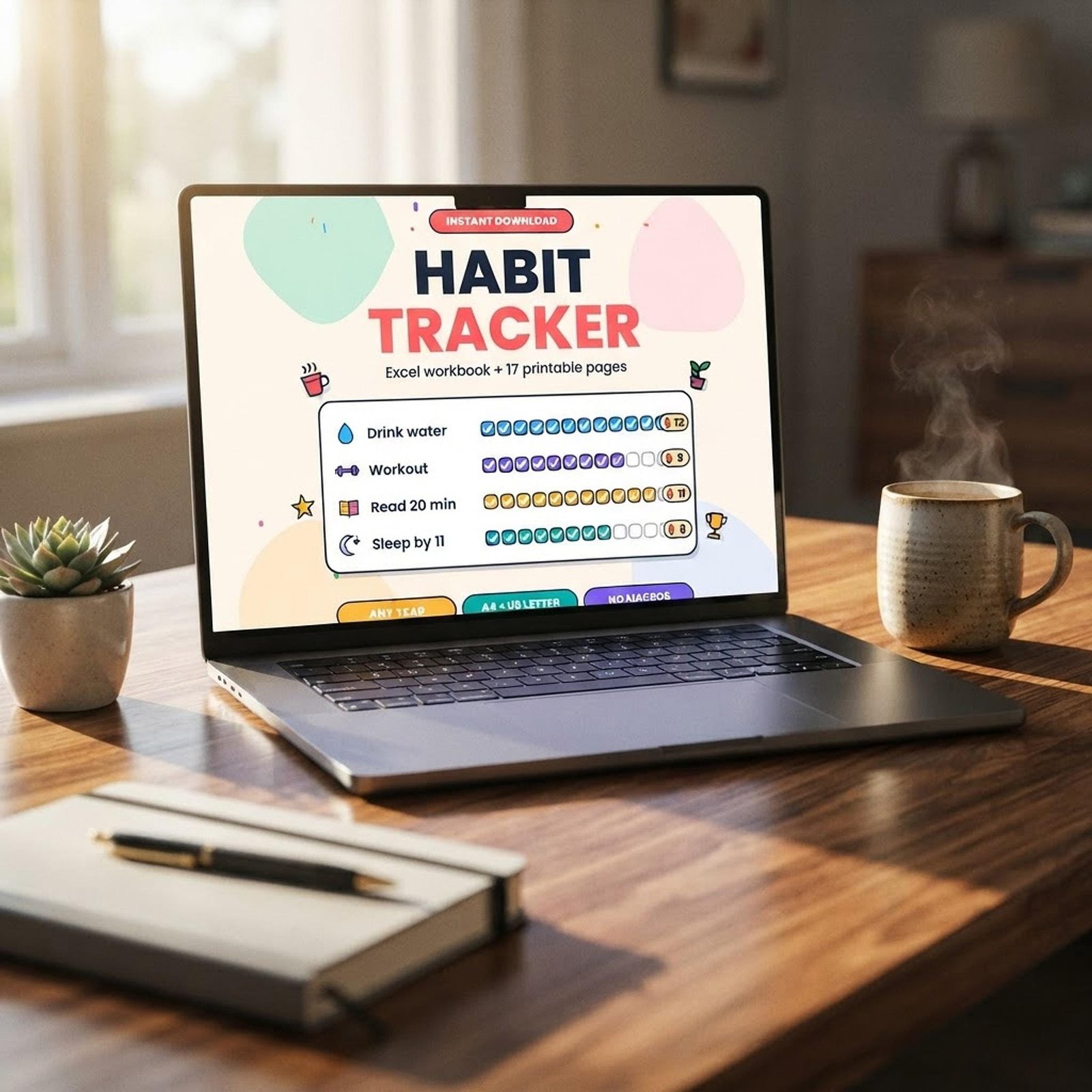
Want to start tracking today? The HawkInc Habit Tracker Spreadsheet has the streak formulas, Done/Missed/Skipped dropdowns and a dashboard already built for 10 habits, plus printable A4 and US Letter PDFs. USD 1.79 on Etsy (sale price; regular USD 2.99).
Frequently asked questions
Does Google Sheets have a built-in habit tracker template?
Google Sheets offers general templates, but you do not need one. A habit tracker is a date column, one column per habit with checkboxes or a dropdown, and a helper column that counts streaks. You can build it from a blank sheet in about 15 minutes using the steps in this guide, or start from a ready-made workbook.
How do I make a checkbox turn green when I tick it?
Select the checkbox cells, open Format, then Conditional formatting, and choose Custom formula is. Enter =$B2=TRUE, adjusting the column letter to match your sheet, and pick a green fill. Every ticked box in that range turns green, and unticked boxes stay plain, so gaps in your week stand out.
Why does my streak show 0 even though I did the habit yesterday?
A formula that looks up only today returns 0 until you tick today. In the layout above, use a formula that takes the higher of today and yesterday, such as =MAX(IFERROR(VLOOKUP(TODAY(),A2:H,8,FALSE),0),IFERROR(VLOOKUP(TODAY()-1,A2:H,8,FALSE),0)). Your streak then stays visible until the day actually ends unticked.
Can I use the same habit tracker in Excel?
Yes. The streak helper formula, MAX, COUNTIF and conditional formatting work the same way in Excel. Checkboxes differ by version, so a Done/Missed/Skipped dropdown made with Data Validation is the most portable choice. A workbook built that way opens in Google Sheets, Excel and LibreOffice Calc without changes.
How many habits should I track at once?
Start with three to five. Each habit needs a daily decision, and a long list makes it easier to skip the whole sheet on a busy day. Add more only once the first few feel automatic. Ten columns is a sensible upper limit, because the dashboard stays readable at a glance.
How long does it take to form a habit?
There is no fixed number. In a well-known University College London study summarised in the British Journal of General Practice, automaticity levelled off after an average of 66 days, with wide variation between people and behaviours. Track for at least ten weeks before judging whether a habit has stuck.